Triggers – Part 1: Calls
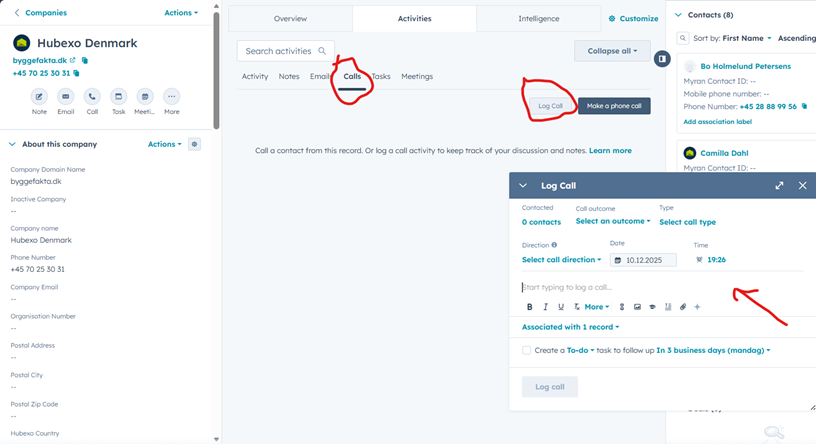
This step is triggered when an employee logs a call in HubSpot, either manually or automatically via our Microsoft Teams integration.
It applies only to real customer conversations.
This includes:
-
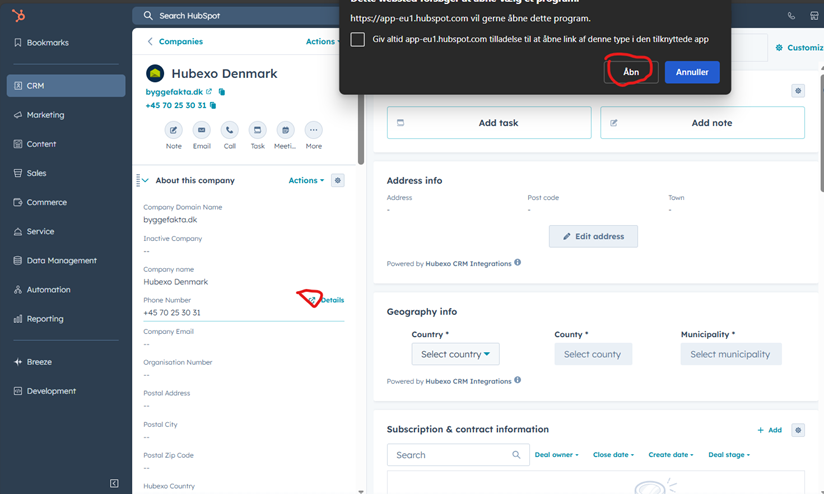
Outbound calls made directly through HubSpot.
-
Calls logged manually, for example if you were on the go or otherwise unable to log the call automatically.
Triggers – Part 2: Demos / Meetings Booked
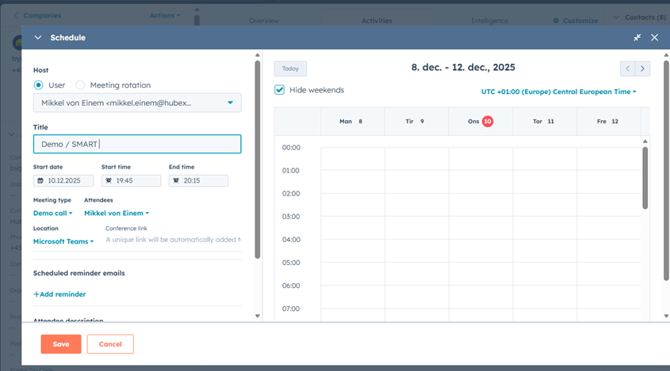
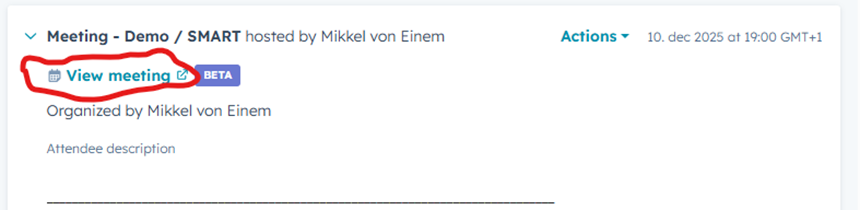
This step is triggered when a demo or meeting is actively booked in HubSpot and added to the calendar, and the meeting confirmation has been sent.
The meeting must be registered with the correct meeting type in HubSpot.
Important for teams with BDRs:
For the new BDR report to track correctly, the BDR must be the one who creates and sends the meeting invitation/booking in HubSpot.

Triggers – Part 3: Demos / Meetings Completed
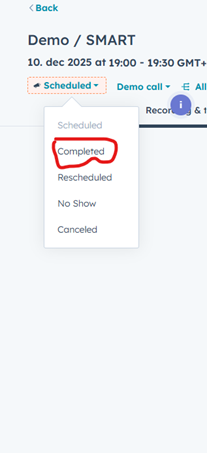
This step is triggered when the demo or meeting has taken place and is marked as “Completed” in HubSpot.
This ensures we have an accurate overview of completed meeting activities.
Triggers – Part 4: Quotes Created
This step is triggered when a quote is created in Myran and sent to HubSpot.
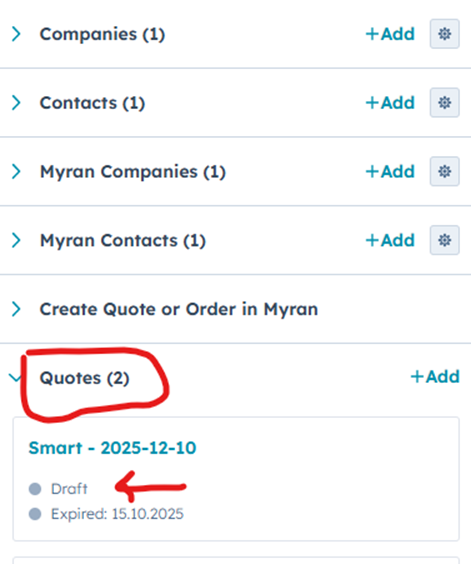
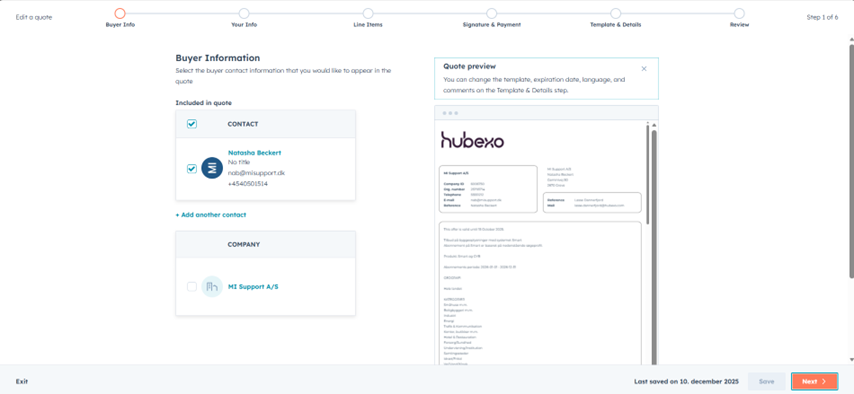
It is important that the quote is also sent through HubSpot so the customer can sign directly in the system.
If a quote is sent outside of HubSpot, we will not be able to track whether it is signed, and we will lose important pipeline insights.
This trigger occurs when the Quote Name is created.
Triggers – Part 5: Quotes Signed
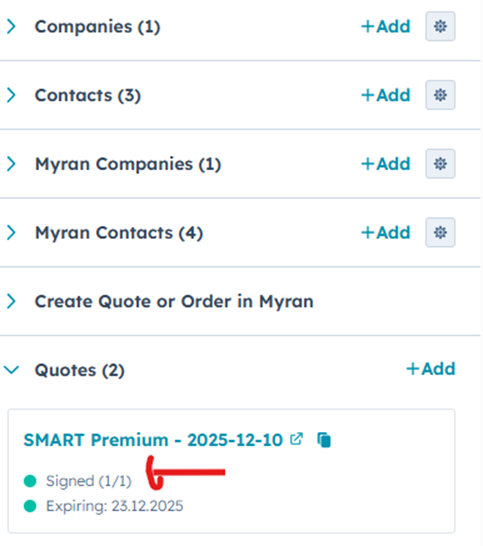
This step is triggered when the customer signs the quote and the quote status automatically changes to “Signed” in HubSpot.